Showing posts with label Maya. Show all posts

Tuesday, 4 December 2018

Minor: Lost Boy - Young Graeme Model Update - Details Added To Face

I have added some subtle changes to Young Graeme's face such as Rosy cheeks and freckles to try and make him look younger, I am liking the way the Rosy cheeks look.


Rosy Cheeks


Freckles


Rosy Cheeks and Freckles

Friday, 30 November 2018

Minor: Lost Boy - Art Room Turnaround Toon Renders

I have done some tests with the new Toon Shader in Arnold, I don't like the way that the outline disappears when the camera turns around and there is nothing behind the object, I am going to do more tests to see how to rectify this.

Art Room Turnaround with colour and cotour 3 (Converted) from Graeme Daly on Vimeo.

Monday, 19 November 2018

Minor: Lost Boy - The Art Room - Render

Following the advice from Phil to make the art room more analogue I have tried to make the art room feel more nostalgic and soft and less CGI and jagged compared to my previous tests. I did some tests with alpha channels to make the line work on some of the boxes jut out from the colour by duplicating the coloured box and applying an alpha channel for just the lines, the weird shaped blobby circular parts were happy accidents that I really like, the line work that goes around some of the elements perfectly was done with the new AI toon shader in the new Maya update. For the next set of tests I am going to go to the art room and get some things that have lots of texture and scan them in and apply those to the elements in the art room along with painterly effects such as frontage and grattage.


Sunday, 4 November 2018

Minor: Lost Boy: Young Graeme - Update

I have been block modelling the hairstyle for young Graeme I also pulled his eyes down further as I realised they looked too high up in my previous update and made him look older than he needed to be. The eyes and ears still need more time and I will tackle these next.


Sunday, 7 October 2018

Lost Boy: The Art Room - Renders

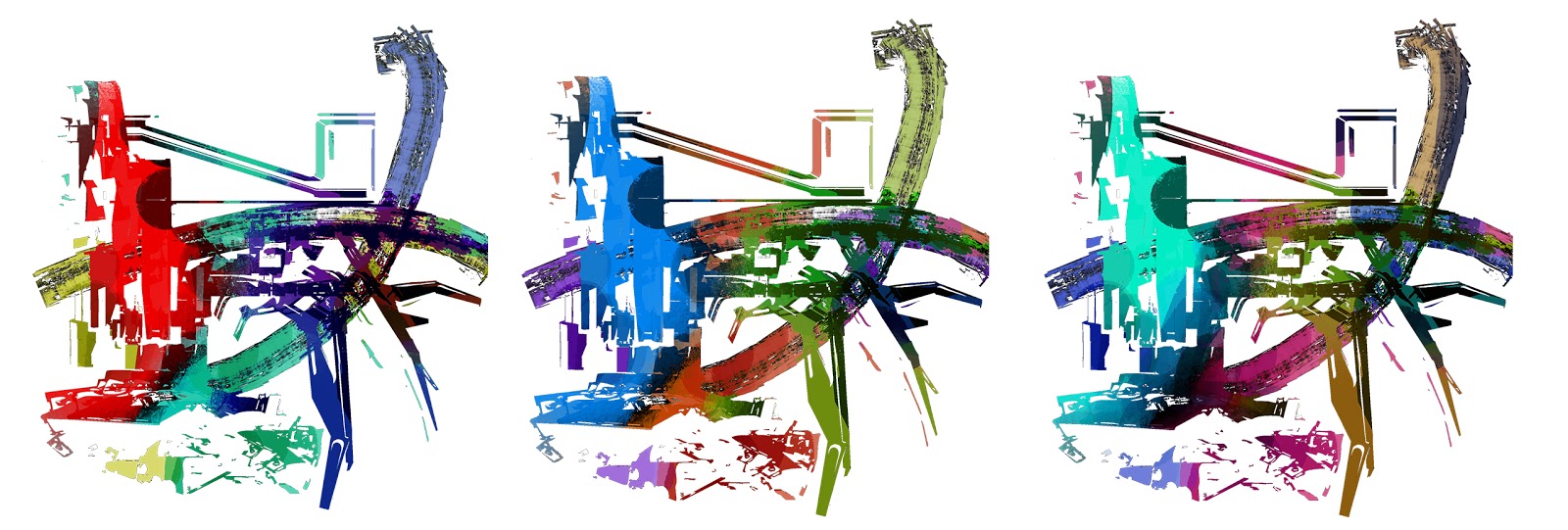
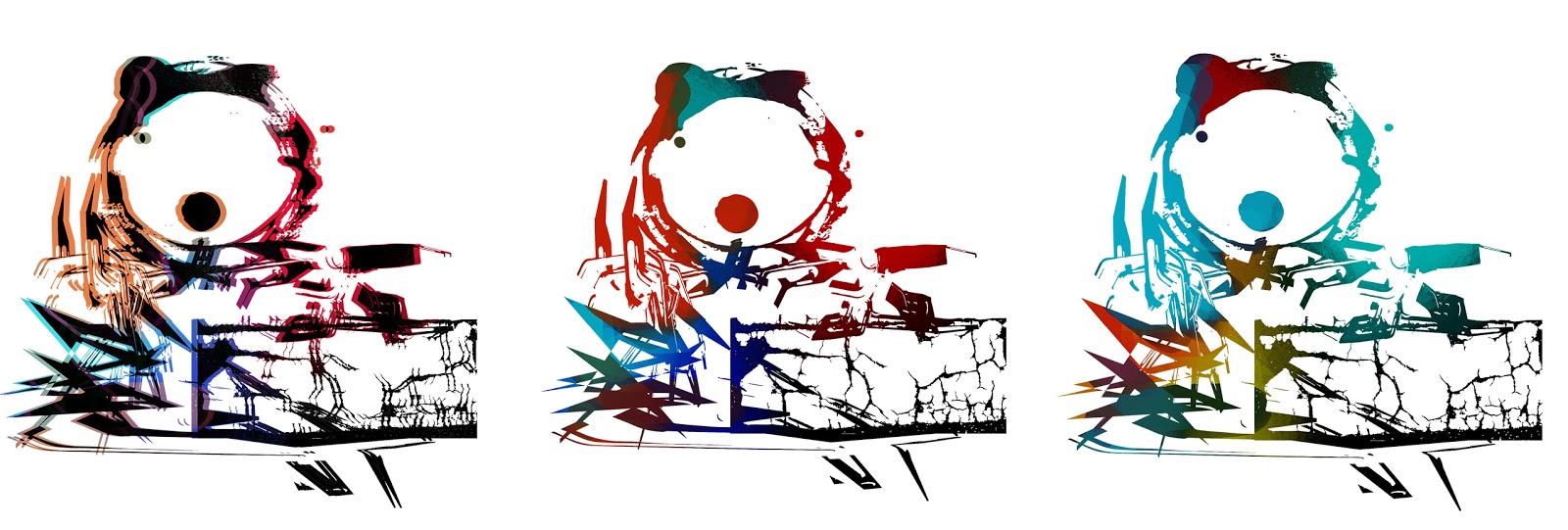
These renders were used done using the majority of alpha channels in my last post to get the feel of the original art room concept art, I still need to play around with getting a depth of field pass to show some atmospheric perspective, I did create some bleached out colour passes with a white wash to give the illusion of atmosphere perspective but I wasn't feeling the way that they looked, I will do some more tests with this.


Lost Boy: The Art Room - Alpha Map Texture Tests

I have been playing around with Alpha textures to look of the concept art for the art room, I ran into a lot of problems trying to get the Alpha Channels to work, I eventually realised that I had to reverse the alpha channels - usually with an alpha channel the white is the part that shows up and the black is the transparent part but with my case it was in reverse.
Alpha Texture no. 1
Coloured Textures no. 1

Coloured Textures no.1 for Atmosherpic Perspective Tests


Alpha Texture no. 2

coloured Textures no. 2
Alpha Map no. 3

Coloured Textures no. 3

Alpha Texture no. 4

Coloured Textures no. 4

Alpha Texture no. 5

Coloured Textures no. 5

Alpha Texture no. 6

Coloured Textures no.6

Friday, 5 October 2018

Lost Boy: Present Graeme - Head Model Update

The present Graeme head model is near completion, Just a few more tweaks here and there and adding some detail and I think he should be good to go.


Turnarounds in Material 


Turnarounds in Material 


Details

Turnarounds in Wireframe


Turnaround Gif

Monday, 24 September 2018

Lost Boy: Mrs Pratt's Art Room - Initial Tests in Maya

I have spent some time experimenting in Maya to try and translate the concept art from the art room into 3D. I started by getting random shapes in Maya and then laying out the UVs for all the objects and then unfolding them together, I then saved a UV snapshot and simply cropped out parts of the concept art and laid it over the top as a texture in photoshop. With some of the objects I messed around with the presets for the AIStandard in Arnold such as blood, gold and honey which gave some nice refractions to the objects.  I also wanted the sketchyness of the concept art to translate too so I made a simple alpha map in photoshop of a brush with lots of texture and attached that to a sphere, with the second image I was trying to make an alpha layer but it didn't go to plan however I actually like the way that it looks, it didn't show up in the render but does in the perspective view.

I am going to continue experiments with the art room to get the feel of the concept art by adding a depth of filed pass to show some atmospheric perspective, adding more textured brushes as alpha maps and give a whirl of using render layers.

Rendered Image 


Screenshot of failed alpha map


Texture in Photoshop


Brush Stroke Alpha Map in Photoshop