Showing posts with label Modeling. Show all posts

Sunday, 31 March 2019

Major: Lost Boy - The Art Room - Newly Lit Renders

Thanks to Alan for helping me out with learning about lighting the Art Room looks much more punchy now, I added area lights in and around the blobby paint like forms and bric a brac to make them pop out with a soft shadow underneath to ground them.

Render 1

Render 2

 Render 3

 Render 4

Wednesday, 26 December 2018

Minor - Lost Boy: Mrs Pratt - Model Update

I painted over the renders to get the details into the Mrs Pratt model such as the wrinkles and folds in the sleeve before I texture her fully.


Sunday, 11 November 2018

Minor: Lost Boy - Young Graeme - Toon Tests

I decided to redo the hair for young Graeme as the geometry was all over the place and treating it like layers has proven better, he still needs some tweaks especially in the ear. I have also spent some time playing around with the new toon shader in Maya, I like the way that it looks and it does go with the scratchy sketchy aesthetic that I am going for with Lost Boy. I am unsure if I will use the shader in the final film as of yet but I will keep playing around with it, I would like to see if I cam make it crisper and I think it could be useful and interesting if coupled with rotoscoping and also for environment elements.


Sunday, 7 October 2018

Lost Boy: The Art Room - Renders

These renders were used done using the majority of alpha channels in my last post to get the feel of the original art room concept art, I still need to play around with getting a depth of field pass to show some atmospheric perspective, I did create some bleached out colour passes with a white wash to give the illusion of atmosphere perspective but I wasn't feeling the way that they looked, I will do some more tests with this.


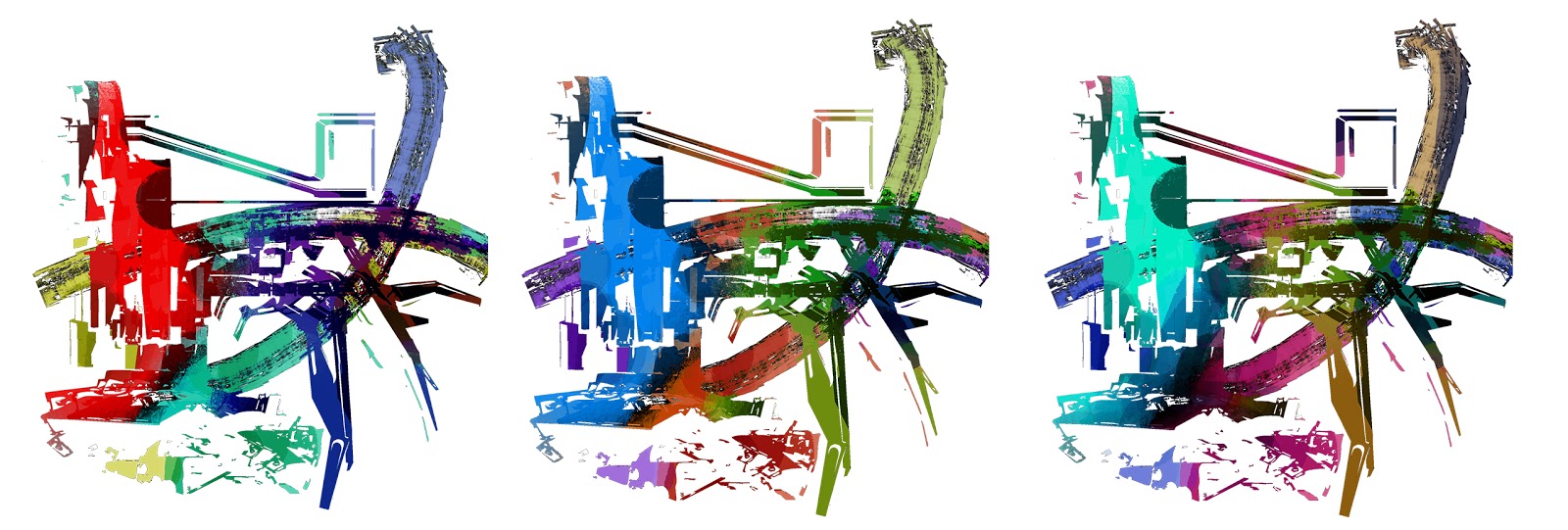
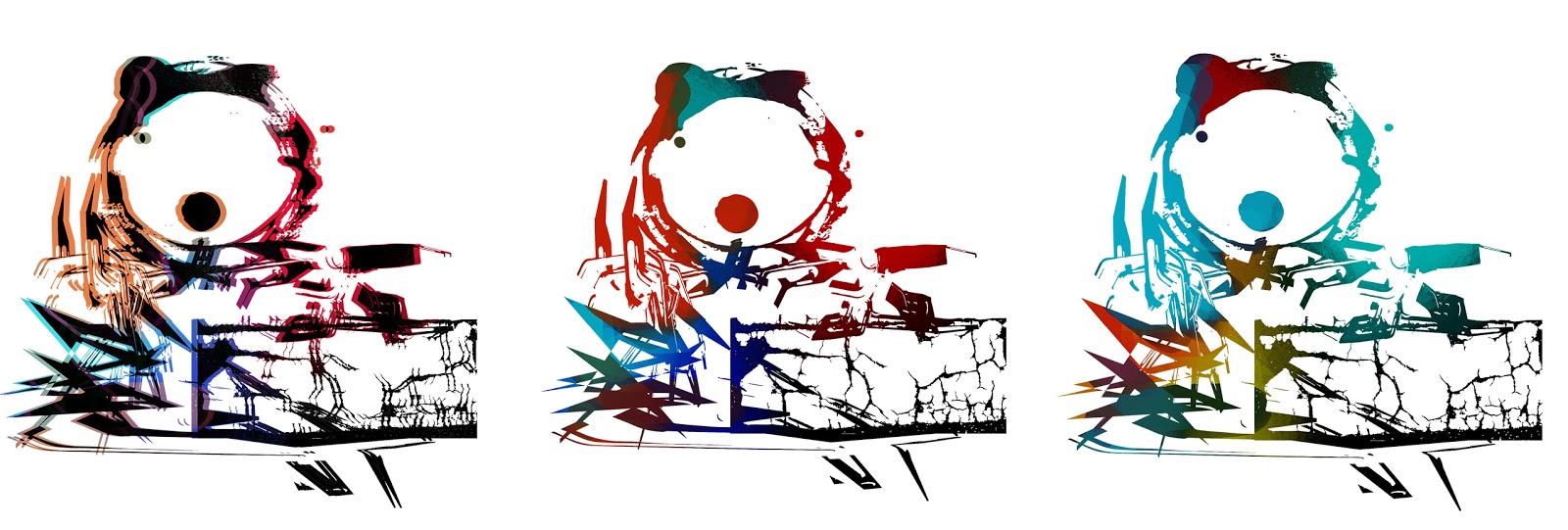
Lost Boy: The Art Room - Alpha Map Texture Tests

I have been playing around with Alpha textures to look of the concept art for the art room, I ran into a lot of problems trying to get the Alpha Channels to work, I eventually realised that I had to reverse the alpha channels - usually with an alpha channel the white is the part that shows up and the black is the transparent part but with my case it was in reverse.
Alpha Texture no. 1
Coloured Textures no. 1

Coloured Textures no.1 for Atmosherpic Perspective Tests


Alpha Texture no. 2

coloured Textures no. 2
Alpha Map no. 3

Coloured Textures no. 3

Alpha Texture no. 4

Coloured Textures no. 4

Alpha Texture no. 5

Coloured Textures no. 5

Alpha Texture no. 6

Coloured Textures no.6

Monday, 14 August 2017

Fantastic Voyage Update: Better lighting for S & G2 phase worlds

Purple Zone S Phase Render 1

Purple Zone S Phase Render 2

Purple Zone S Phase Render 3

Orange Zone G2 Render 1